Block YouTube Ads
YouTube has implemented a policy restricting the use of ad-blocking tools. We’re actively updating Avlix AdBlock to ensure our users continue to have a smooth experience. You can read more in YouTube’s official statement here.
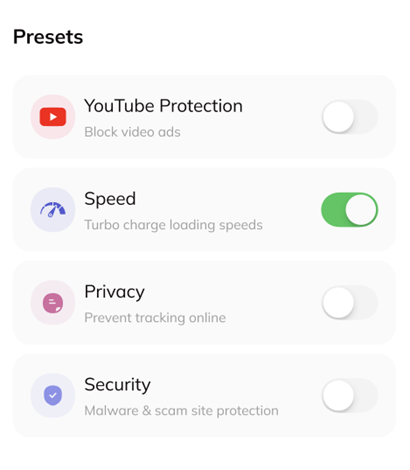
To block video ads on YouTube via Avlix:
Open the Avlix app
Go to Presets
Turn on YouTube Protection
Was this article helpful?
[email protected]