Cancel Your Plan
How to Cancel Your Subscription
If you want to cancel your Avlix subscription, you can do so by logging into your account and navigating to the Subscription section.
Follow the on-screen instructions to complete the cancellation.
Log in to your Avlix account
Go to the Subscription section

3. Click “Cancel Subscription”
4. You’ll be asked to confirm your decision:
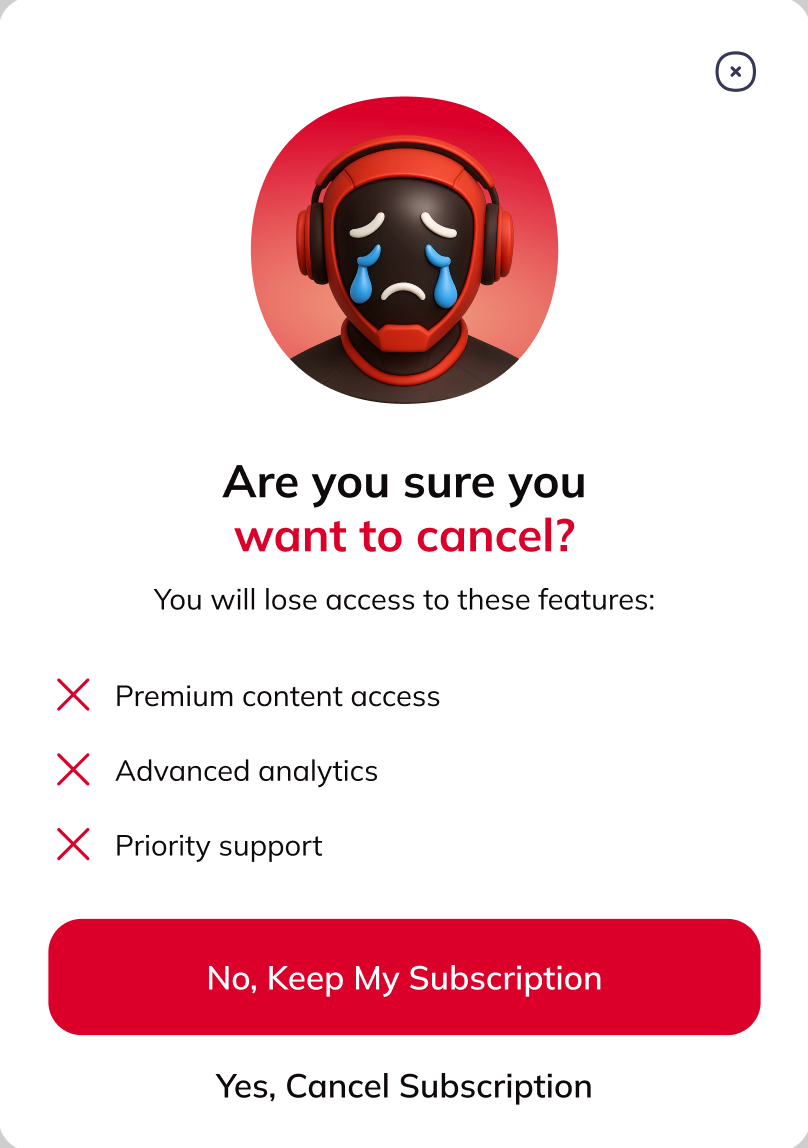
5. Click “Yes, Cancel Subscription” to confirm
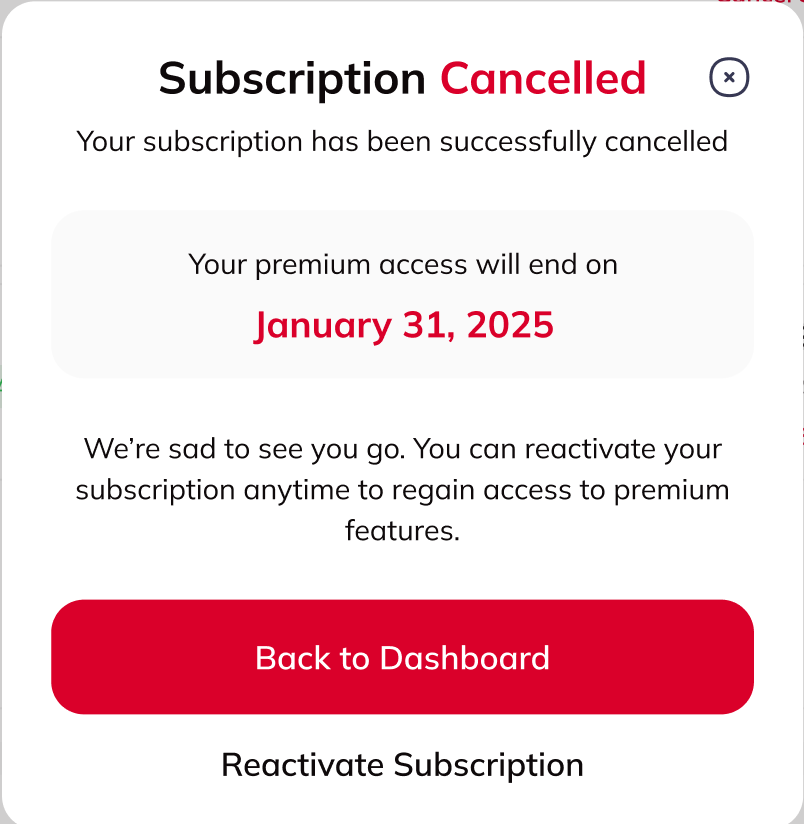
Once canceled, your Premium access will remain active until the end of your billing period.
You can reactivate your subscription anytime from your dashboard.
Was this article helpful?
[email protected]