Allowlist & Acceptable Ads
There may be times when you want certain websites to show ads. Maybe you trust the content they serve, or you need to disable ad blocking to access specific features or articles.
Avlix Adblock gives you the flexibility to manage this. You can whitelist individual websites, allowing them to display ads while blocking ads everywhere else.
How to Add a Website to the Allowlist
Go to the White List section.
Use the search bar to enter the website address.
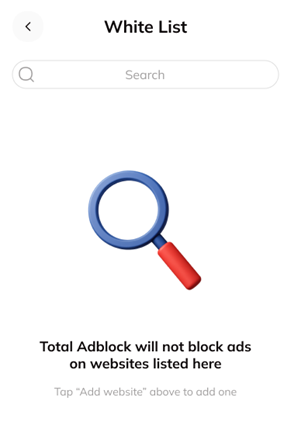
3. Confirm the addition.
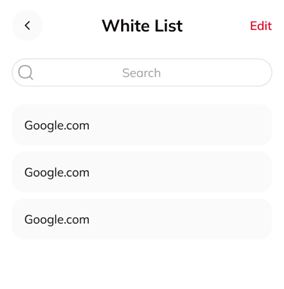
How Whitelisted Websites Are Displayed
Once added, your websites will appear in a list. You can edit or remove any entry at any time.
How to Remove a Website
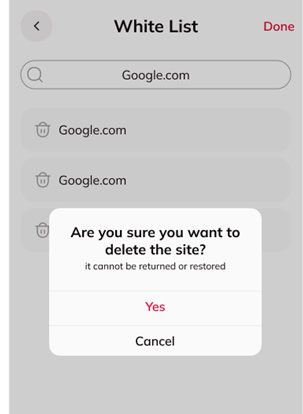
Tap Edit in the top-right corner.
Tap the trash icon next to the website you want to remove.
Confirm the deletion when prompted.
Was this article helpful?
[email protected]