Login
Login
Open the Avlix VPN app.
Tap Login.
In most cases, the app will recognize your account automatically.
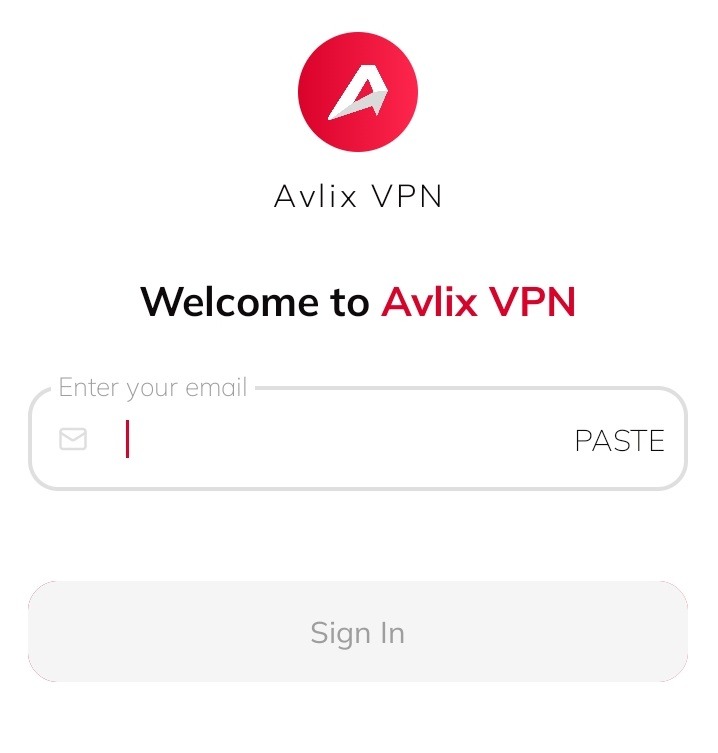
4. If automatic login doesn’t work, enter the email address you used for registration.
5. Your password will be sent to that email — check your inbox and use it to sign in.
Troubleshooting
If you have problems downloading or installing Avlix VPN, visit the Help Center for step-by-step solutions.
Was this article helpful?
[email protected]