Accessing Paid Features
Where Are My Paid Features?
If you have an active Avlix Antivirus subscription, the status is shown directly in the app.
Step 1. Open Avlix Antivirus
Tap the Avlix icon on your Android device.
Step 2. Go to Settings
At the bottom menu, tap Settings.
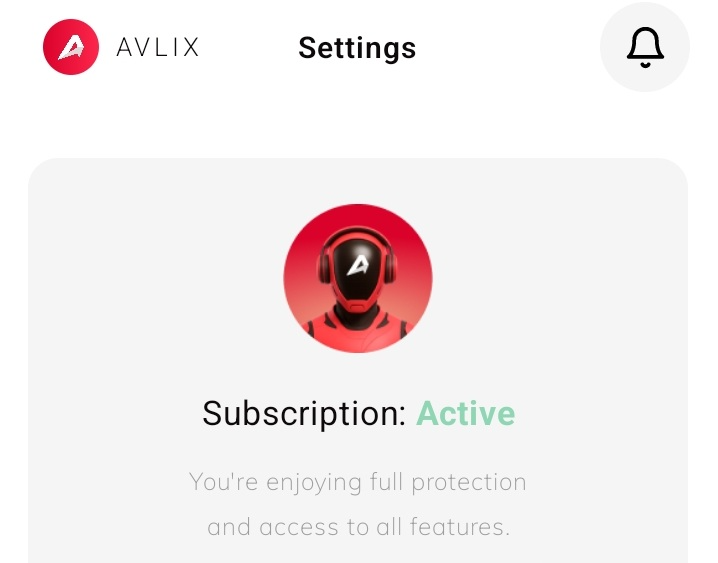
Step 3. Check Subscription Status
At the top of the Settings screen, you’ll see your subscription details.
Step 4. Log In (if needed)
If the status doesn’t display as Active, tap Login in Settings.
Enter the email address you registered with — your password will be sent to that email.
Step 5. Full Access
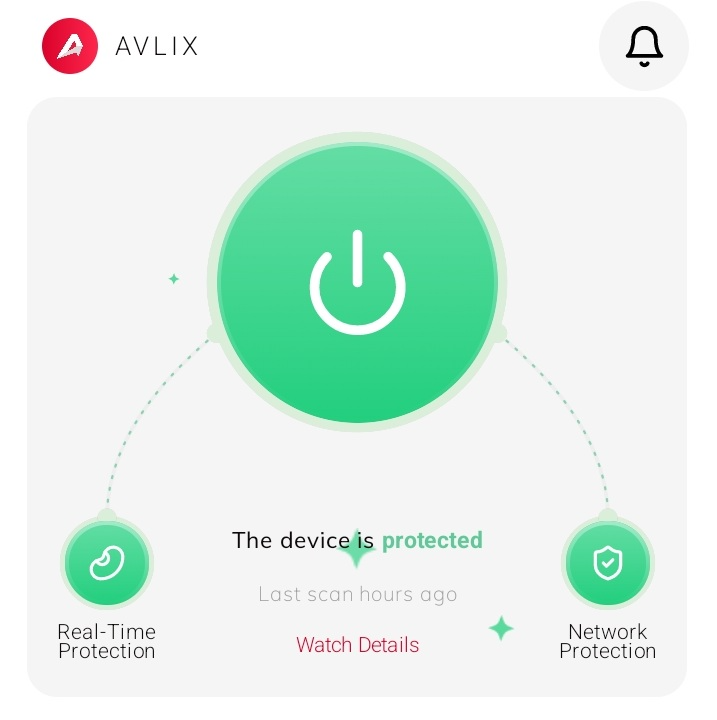
Once your account shows Active, all premium features will be available and your device will stay fully protected.
Was this article helpful?
[email protected]